A happy, safe place for your dog to play.
Placeholder — write a short welcome here: who you are, where you are, and what a day with you looks like for a dog. Two or three sentences is plenty.
- Vaccinations required
- Photo & video updates
- Drop-off & pick-up alerts
Booking is easy
Request time
Pick your dates and tell us about your dog. New clients upload their vaccination records with the request.
We confirm
We'll review your request and email you a confirmation — then it shows up in your client portal.
Drop off & relax
Get an alert when your dog is checked in and when they're picked up, with photos and videos along the way.
A peek at our days


Everything your dog needs
Services We Offer
A day of play
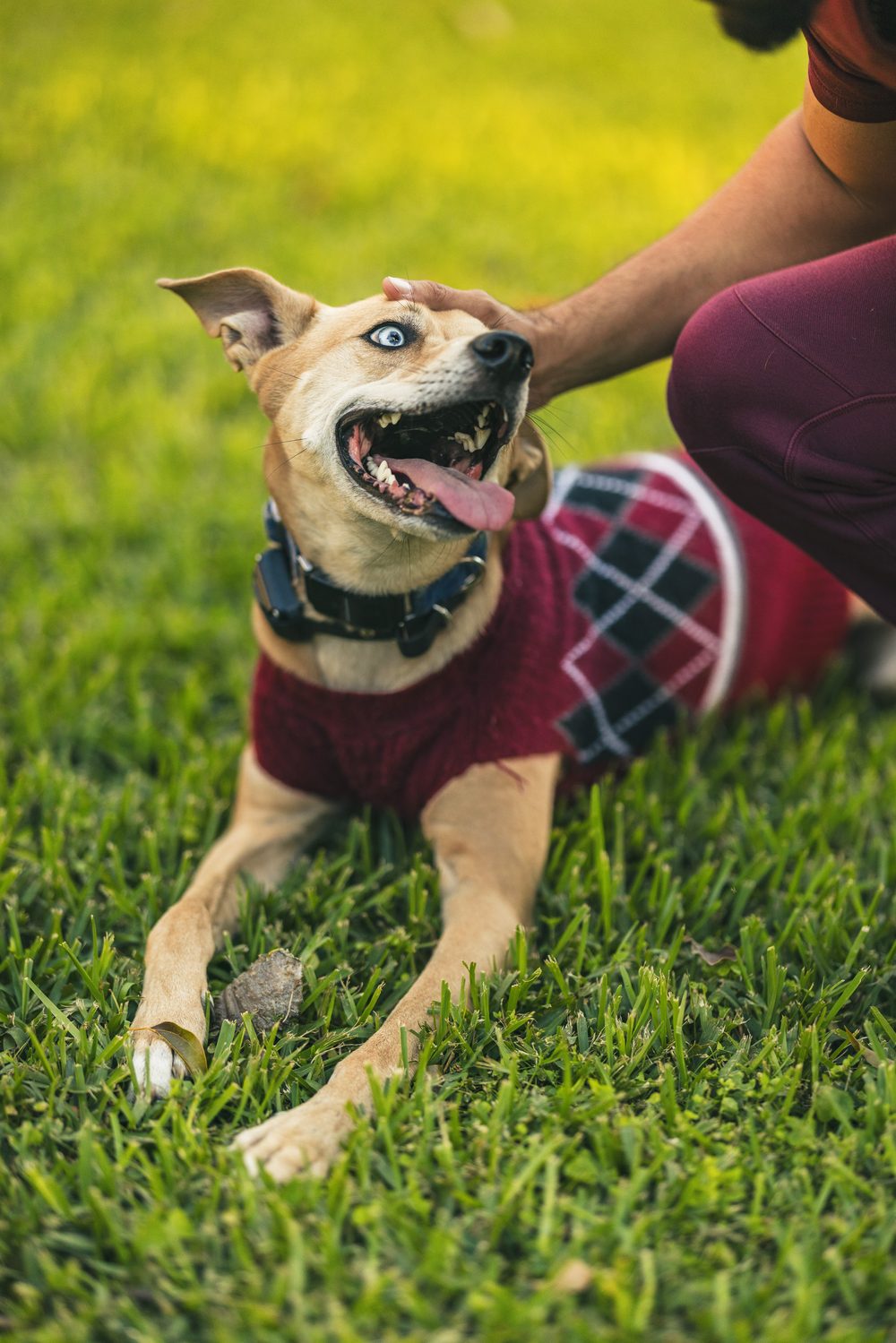
Your furry friend stays with us for the day
- Stays less than 24 hours
- Cater to your dog's needs
- Home environment with humans around
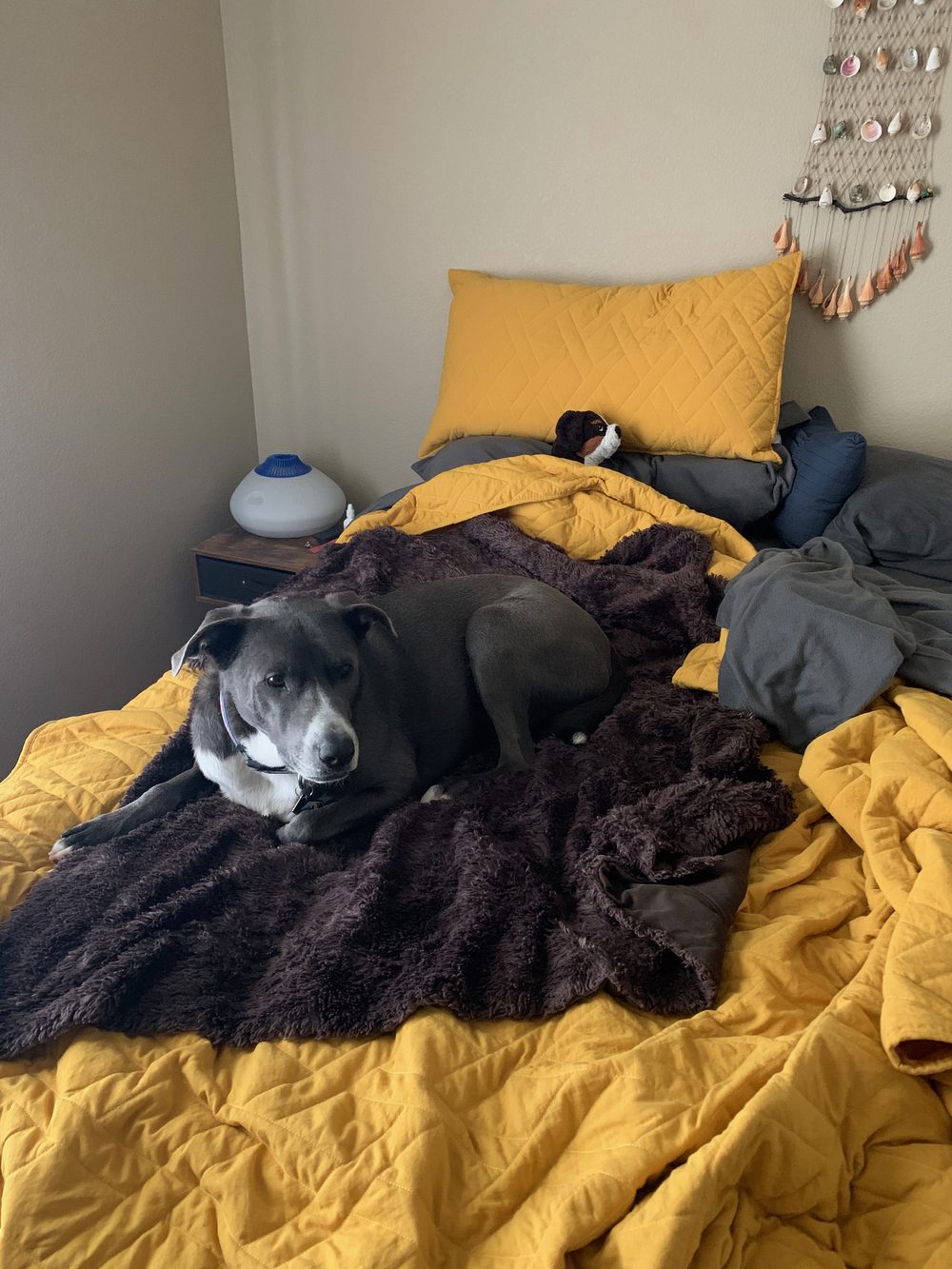
Sleepovers
When you're going away for a while
- Stays longer than 24 hours
- Safe, air-conditioned sleeping environment
- lots of snuggles before bed!
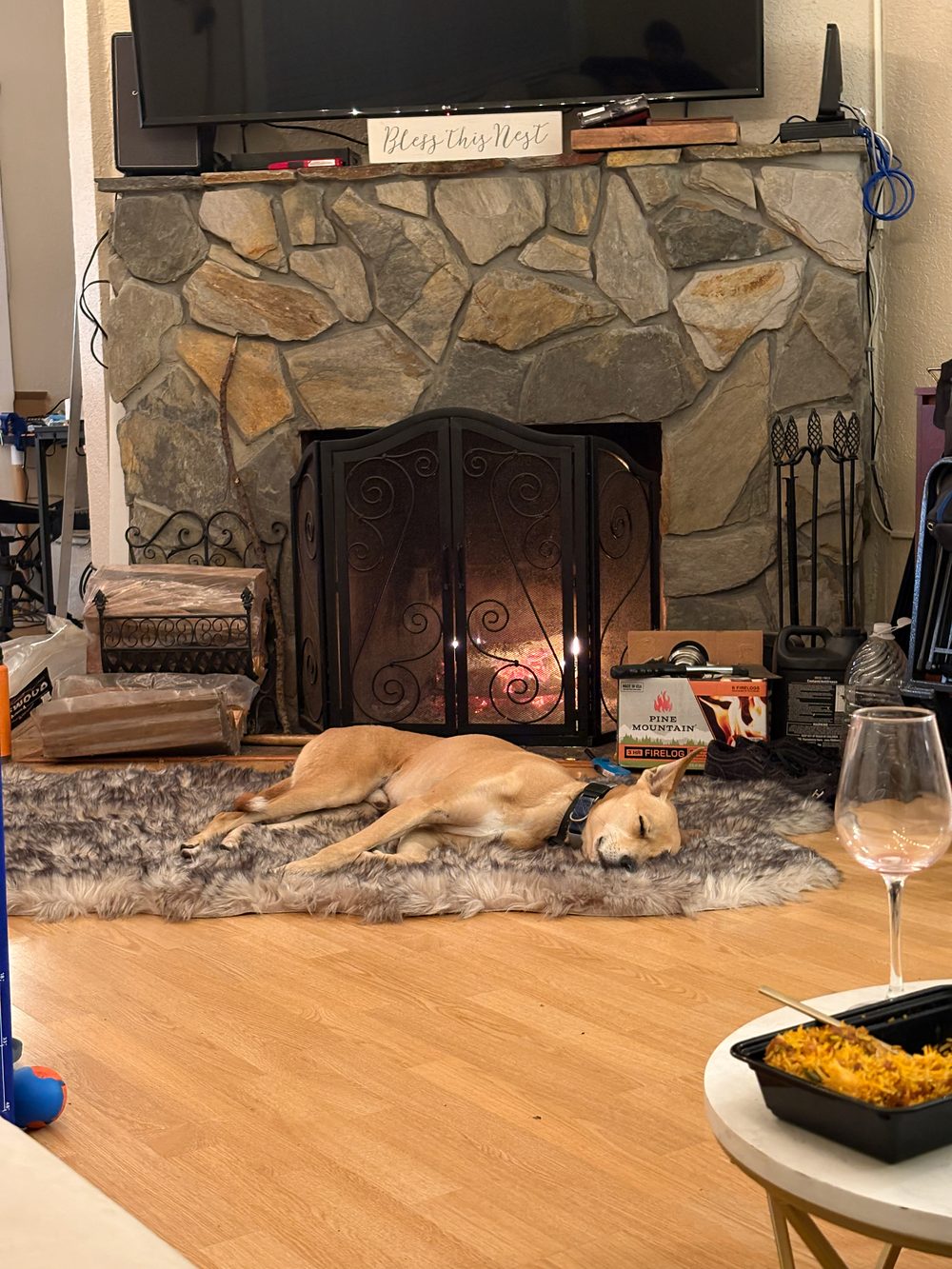
We come to you
For the ones too cozy to leave the house
- Drop into your home and hang out with your pet for a bit
- Play with them, let them out and feed them.
- This can be pets other than dogs! Cats, fish, reptiles ect.
- 20 mile radius

Out for a walk
Similar to drop in
- Placeholder: highlight one
- Placeholder: highlight two
note about pricing: This is the base starting price for a typical dog. If we notice the dog becomes excessively unruly towards other dogs or staff the rate may change or you will have the chance to end the services and pick up your dog
Before your first visit
Vaccinations
Up-to-date vaccination records are required. New clients upload them with their first request.
Hours
Business hours are 7am - 11pm
Late pick-up
Pick-ups more than 30 minutes past the scheduled time incur a late fee.
Love, peace & pets
Placeholder — one or two sentences about who you are.

How it all started
Placeholder — tell your story: how Love Peace Pets began, and why you love what you do.
Placeholder — a second paragraph: your experience, your space, what sets you apart.
Frequently asked questions
Ready for a play date?
Request time online — we'll confirm by email. Already a client? Your bookings, photos and invoices are in the portal.